Best Local LLM for RTX A6000 (2026): 48GB Workstation Picks
The NVIDIA RTX A6000 48GB is the single-GPU workstation pick for serious local LLMs. Two consumer 4090s give you 48 GB split across PCIe but with constant headache. The A6000 gives you 48 GB unified at 768 GB/s — enough for Llama 3.3 70B at Q4, GLM-5.1 32B at full Q5, or dual-model OpenClaw routing without compromise.
RTX A6000 workstation OpenClaw setup?
See our AI training options. We'll architect a dual-model setup that turns your A6000 into a serious AI workstation.
Bottom Line
- Best for OpenClaw autonomy: GLM-5.1 32B at Q5_K_M
- Best general-purpose: Llama 3.3 70B at Q4_K_M (~22 tok/sec)
- Best fastest: Qwen 3.6 27B at Q8_0 (~28 tok/sec)
- Best production dual: gpt-oss 20B Q8 + Qwen 3.6 27B Q5 (loaded together)
Ready to buy? See the tested hardware list with current prices.
Top Picks for RTX A6000 (48 GB VRAM, 768 GB/s bandwidth)
1. GLM-5.1 32B (Q5_K_M) — best for OpenClaw autonomous runs
Zhipu AI’s GLM-5.1 32B dense at Q5 uses about 26 GB. Purpose-tuned for multi-hour autonomous agent loops with stable JSON tool calls.
ollama pull glm5.1:32b
openclaw config set agents.defaults.models.chat ollama/glm5.1:32b
openclaw run --agent --max-hours 8 "Implement the spec end-to-end"
Expected speed: 22-30 tokens/sec.
2. Llama 3.3 70B (Q4_K_M) — best general-purpose
About 42 GB at Q4_K_M with 16K context. Excellent general knowledge, strong reasoning, clean tool calling. Speed: 18-25 tok/sec on A6000.
ollama pull llama3.3:70b
3. Qwen 3.6 27B (Q8_0) — premium quality at smaller size
Full Q8 of the April 22, 2026 release uses about 30 GB. Near-FP16 quality. Faster than 70B (~28 tok/sec).
4. gpt-oss 20B (Q8_0) + Qwen 3.6 27B (Q5_K_M) — dual-model production setup
Keep both models loaded for instant routing:
# gpt-oss 20B Q8 for agent runs (cleanest tool calls) — 22 GB
# Qwen 3.6 27B Q5 for chat — 20 GB

openclaw config set agents.defaults.models.chat ollama/qwen3.6:27b-q5_K_M
openclaw config set agents.defaults.models.agent ollama/gpt-oss:20b-q8_0
openclaw config set agents.defaults.keep_alive 1h
openclaw models status
Total: ~42 GB with both models hot — leaves 6 GB for context.
5. Mistral Small 4 (119B-A6B MoE, IQ3_XS) — squeeze for premium reasoning
Mistral’s March 16, 2026 release. 119B total, 6B active per token. At IQ3_XS uses about 38 GB. MoE design gives faster inference than equivalent dense models.
What Fits in 48 GB VRAM (RTX A6000)
| Model | Quant | VRAM | Tok/sec |
|---|---|---|---|
| GLM-5.1 32B | Q5_K_M | ~26 GB | 22-30 |
| Llama 3.3 70B | Q4_K_M | ~42 GB | 18-25 |
| Qwen 3.6 27B | Q8_0 | ~30 GB | 25-32 |
| Dual: gpt-oss 20B Q8 + Qwen 3.6 27B Q5 | mixed | ~42 GB | varies |
| Mistral Small 4 (119B-A6B) | IQ3_XS | ~38 GB | 25-35 (MoE) |
| Qwen 3.6 35B-A3B (MoE) | Q8_0 | ~38 GB | 55-70 |
OpenClaw Setup on RTX A6000 (dual-model)
ollama pull gpt-oss:20b-q8_0
ollama pull qwen3.6:27b-q5_K_M

openclaw config set agents.defaults.models.chat ollama/qwen3.6:27b-q5_K_M
openclaw config set agents.defaults.models.agent ollama/gpt-oss:20b-q8_0
openclaw config set agents.defaults.keep_alive 2h
openclaw config set agents.defaults.context_limit 65536

openclaw models status
Common Mistakes on RTX A6000
- Running Llama 3.3 70B at Q6 because you can. Q6 needs ~58 GB — overflows the 48 GB A6000. Cap at Q5 (~50 GB tight) or Q4 (~42 GB comfortable).
- Loading 3 models without
keep_alive. Ollama unloads idle models in 5 min by default. Setkeep_alive 2hso model swaps don’t pause your workflow. - Picking Qwen 3.5 122B-A10B for OpenClaw without fallback. Qwen 3.5 has the Ollama tool-calling bug (issue #14493). Pair with gpt-oss for the agent path.
The A6000's 48 GB caps Llama 3.3 70B at Q4. The RTX PRO 6000 Blackwell doubles that to 96 GB — 70B at higher quants and long context, or several models resident at once for a multi-model OpenClaw host.
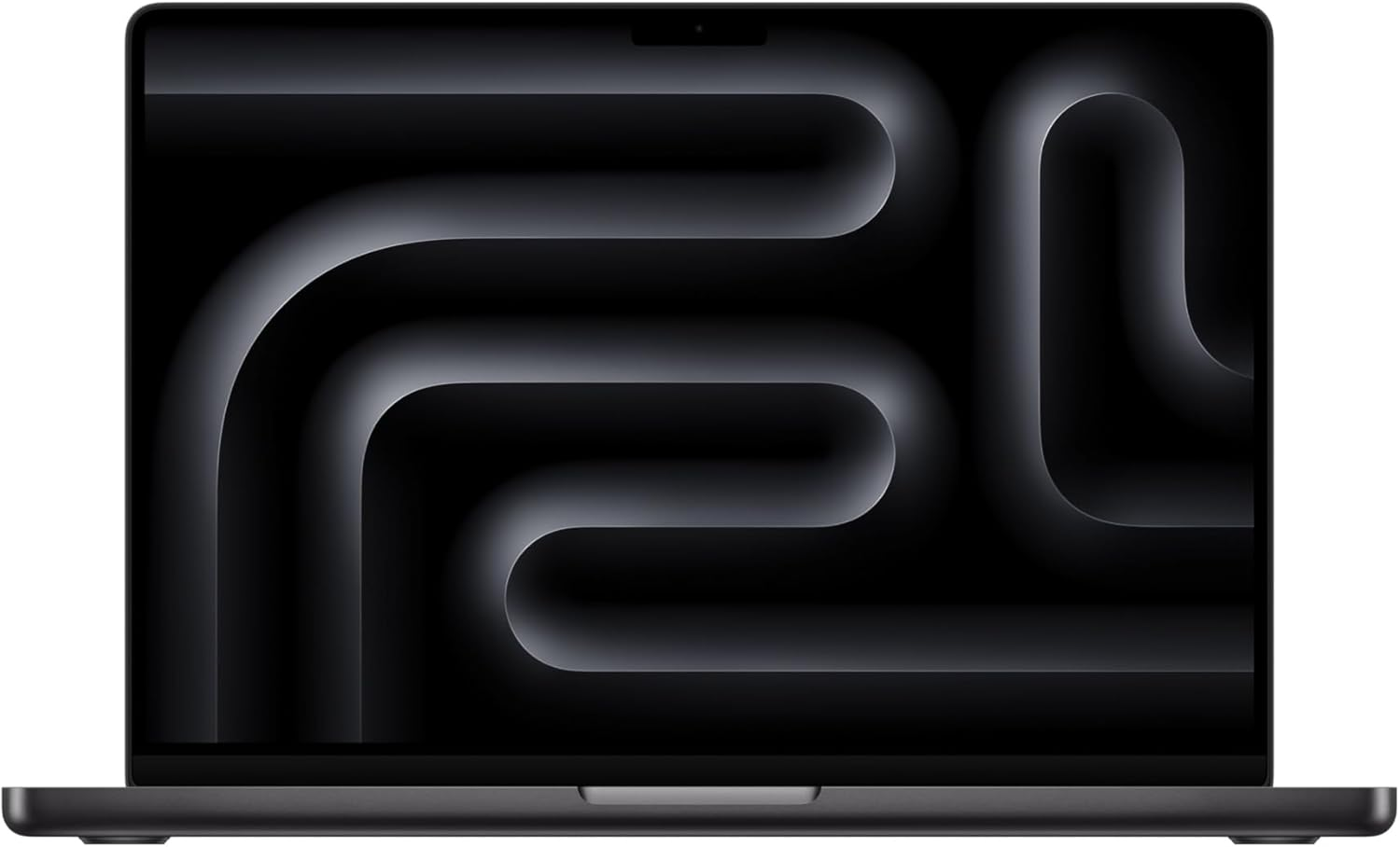
🛒 Mac alternative for 48GB workstation
Mac Studio Ultra delivers 64-192 GB unified memory at A6000-comparable bandwidth, often cheaper than a single A6000.
Amazon affiliate links — we earn a small commission at no cost to you.
Before you order parts, check the tested hardware list for current prices by tier.
See Also
- Best Local LLM for RTX 5090 — 32GB consumer tier
- Best Local LLM for Mac Studio M2 Ultra → — comparable unified-memory workstation
- Best Local LLM by GPU (hub)
- Best Local LLM for 48GB RAM
- Best 48GB VRAM Setup for Local LLMs — what this card costs against dual 3090s and the RTX PRO 5000
Need OpenClaw fixed live?
Remote rescue sessions for gateway, auth, tunnel, VPS, and model access problems.
See Rescue Session