Best Models for the Biggest Mac Studio: 96GB New, 256GB Used
The premise of this guide changed twice. Apple removed the 512GB M3 Ultra option in March 2026 and the 256GB option on May 5, which left the M3 Ultra Mac Studio at 96GB. Then Apple replaced the line on August 25, 2026: the M5 Ultra starts at 96GB for $5,499, 256GB costs $9,499, and 512GB arrives in late October. Apple also discontinued the M3 Ultra. So this guide covers the used M3 Ultra, which is now the cheap route to 256GB: Qwen3-VL 235B at Q4 runs around 30 tok/s, GLM-4.7 at 358B Q3 around 15 tok/s at 128K context, and DeepSeek V4 Flash's July 31 MIT weight drop finally has a home.
Building a Mac Studio OpenClaw rig?
See our AI training options. We'll plan an OpenClaw setup that turns your Mac Studio into a private AI server for your team — sized to the memory you can actually buy.
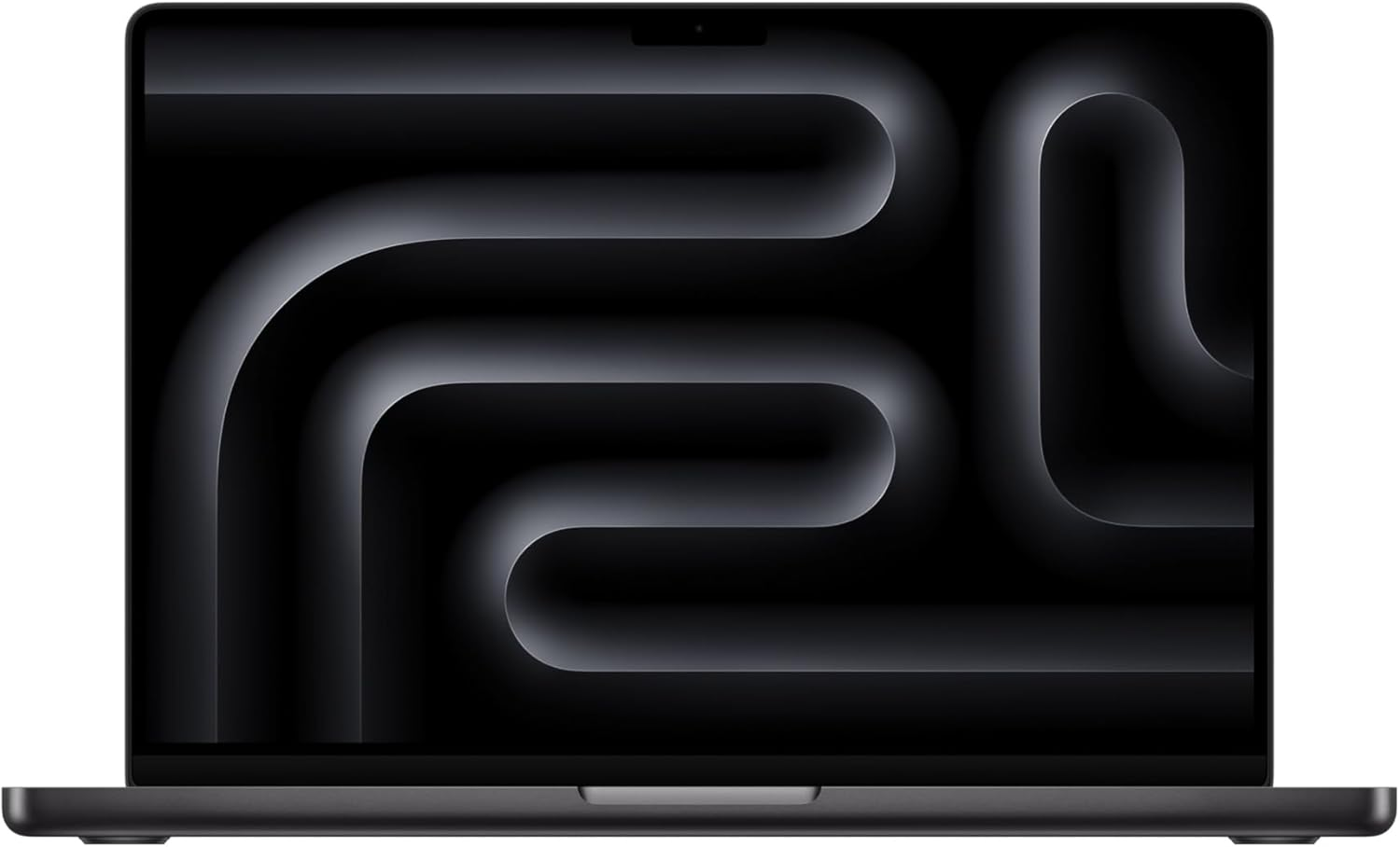
- M3 Ultra Mac Studio — discontinued by Apple on August 25, 2026. Used and clearance only. It topped out at 96GB after the 2026 cuts
- M5 Ultra Mac Studio — the current big machine, from $5,499 at 96GB, $9,499 at 256GB (+$4,000), and 512GB in late October with no price announced. Unified memory runs at 1.2 TB/s
- What changed — Apple removed the 512GB M3 Ultra in early March 2026 and the 256GB on May 5, 2026. The M5 Ultra reversed both cuts on August 25
- The DRAM shortage still sets the prices. The 256GB step costs $4,000, so a used 256GB M3 Ultra stays the cheap route to that tier
Bottom Line (August 2026)
- Running 96GB (new M5 Ultra base, or a used M3 Ultra) — gpt-oss 120B is the model. Owners of 96GB M3 Ultras report ~23 tok/s with a 2.3s time to first token in everyday runtimes; tuned MLX setups on M3 Ultra hit far higher. Gemma 3 27B at Q4_K_M gives ~30 tok/s with sub-second TTFT when you want snappy.
- Already own 256GB — Qwen3-VL 235B Q4_K_M at ~30 tok/s is the daily driver, and it sees images. GLM-4.7 (358B, Q3) at ~15 tok/s and 128K context is the intelligence ceiling.
- Already own 512GB — same models with room to spare, plus DeepSeek V4 Flash at native mixed precision (~140GB) after its July 31 MIT release.
- Coding — Qwen3-Coder at Q8 rather than Q4. Owners report it runs faster at Q8 on M3 Ultra, and the quality difference on code is not subtle.
- The real bottleneck is prefill, not decode. Every 256GB and 512GB owner says the same thing: tokens per second look fine, prompt processing on long context does not.
What Actually Happened to the Big Mac Studio
Apple launched the M3 Ultra Mac Studio in March 2025 with up to 512GB of unified memory. That was the headline: a desk machine that could hold a frontier-scale model.
Then both high-memory tiers went away. The 512GB option disappeared from the online store in early March 2026. The 256GB option — after a price increase to roughly $2,000 for the upgrade — disappeared on May 5, 2026. Apple culled high-memory Mac mini configurations in the same pass. Delivery estimates for the top RAM configs had already stretched to four or five months before the cuts landed.
Apple reversed the cuts on August 25, 2026. The M5 Ultra Mac Studio starts at 96GB for $5,499, offers 256GB for $9,499, and adds 512GB in late October. Apple discontinued the M3 Ultra and the M4 Max Mac Studio the same day. So 256GB is orderable again.
The practical consequence for local AI: the 256GB step now costs $4,000 on new hardware. A used or refurbished 256GB M3 Ultra remains the cheap route to that tier, and prices there reflect scarcity rather than depreciation. This guide compares the two.
The Hardware, Briefly
M3 Ultra runs unified memory at roughly 800-819 GB/s. That is about 3x the DGX Spark’s ~273 GB/s and well above the M4 Max’s 546 GB/s. Bandwidth sets your decode speed, so a 100B-class MoE with 10-15B active parameters decodes comfortably.
What bandwidth does not fix is prompt processing. Apple Silicon prefill is weak relative to CUDA, and it is the complaint that shows up in every owner thread. A 60K-token codebase dump takes real time before the first token appears. Community expectation is that the M5 generation addresses this; M3 Ultra does not.
Use MLX where you can. It generally runs 10-20% faster than llama.cpp Metal on M-series. One caveat: mlx-lm has an open issue where gpt-oss 120B prefill destabilises on long context, dropping to roughly a seventh of normal speed with the GPU at ~10W and half utilisation. Check your prefill numbers, do not assume them.
Tier 1: 96GB Mac Studio (Used M3 Ultra, or the M5 Ultra Base at $5,499)
| Model | Quant | Speed | TTFT | Why |
|---|---|---|---|---|
| gpt-oss 120B | MXFP4 | ~23 tok/s typical | ~2.3s | Best intelligence that fits; cleanest tool-call JSON |
| Qwen3-VL 30B | Q4 | fast | sub-second | Vision + text, comfortable headroom |
| Gemma 3 27B | Q4_K_M | ~30 tok/s | ~0.52s | Snappiest good generalist |
| Qwen3 14B | Q6_K | ~47 tok/s | ~0.35s | Interactive tier, room for huge context |
| gpt-oss 20B | MXFP4 | fast | fast | Largest context you can hold at speed |
Our pick: gpt-oss 120B. It is the only frontier-adjacent model that fits 96GB with usable context, and it is the most reliable tool-caller in the open-weight set — which matters more than raw benchmark score when you are driving OpenClaw agents. The 23 tok/s figure comes from a 60-core-GPU 96GB owner in everyday use; tuned MLX runs on M3 Ultra have been published at ~88 tok/s generation at 4K context and ~76 tok/s at 16K, with prompt processing from ~1,325 to ~2,710 tok/s. Your number will land somewhere in that range depending on runtime, context length, and whether you hit the mlx-lm prefill bug.
If gpt-oss 120B feels sluggish, drop to Gemma 3 27B. Half-second TTFT changes how a machine feels far more than a 7 tok/s decode difference does.
Tier 2: 256GB M3 Ultra (Used, or $9,499 New on the M5 Ultra)
| Model | Params | Quant | Context | Speed |
|---|---|---|---|---|
| Qwen3-VL 235B | 235B MoE | Q4_K_M | large | ~30 tok/s |
| GLM-4.7 | 358B | Q3 | 128K | ~15 tok/s |
| Qwen3-Coder | 30B-A3B | Q8 | large | ~84 tok/s |
| gpt-oss 120B | 120B | MXFP4 | very large | ”decently fast” per owners |
| DeepSeek V4 Flash | 284B / 13B active | Q4 | up to 1M | quantised fit, ~70-80GB |
Our pick: Qwen3-VL 235B at Q4_K_M. Roughly 30 tok/s, multimodal, and it leaves enough headroom to keep a small model resident alongside it for routing and embeddings. That second-model headroom is the whole argument for 256GB over 96GB.
GLM-4.7 at Q3 is the intelligence ceiling on this box — 358B parameters at 128K context, around 15 tok/s. That is too slow to chat with and exactly right for a batch agent you kick off and read the output of an hour later.
On coding, do not reflexively quantise down. Owners report Qwen3-Coder runs faster at Q8 than at lower quants on M3 Ultra, and 256GB means you never had to compromise anyway.
DeepSeek V4 Flash: Finally Local
DeepSeek open-sourced the production DeepSeek-V4-Flash weights under the MIT licence on July 31, 2026. Specs: 284B total parameters, 13B active per token, 1M token context, up to 384K output tokens. It is the first time this model family has been genuinely runnable outside a cloud endpoint.
The memory math decides which Mac you need. The shipped mixed-precision weights are roughly 140GB+; heavy quantisation brings that to 70-80GB. So:
- 512GB — native precision, full context, comfortable.
- 256GB — native precision fits with room for KV cache. This is the sweet spot.
- 96GB — only at heavy quantisation, and then context headroom is tight.
DeepSeek V4 Pro (1.6T parameters) does not fit any Mac and is not close.
Llama 4 Maverick on the Big Studio
Maverick is 400B total / 17B active with a 1M-token context window. At Q4 the weights are roughly 95-100GB, which is why it barely fits 128GB and does not fit 96GB at all.
On a maxed M3 Ultra with MLX, Maverick’s prompt processing exceeds 140 tok/s on short prompts and holds above 117 tok/s at 10K context — unusually good prefill for Apple Silicon, and the reason Maverick still gets recommended despite newer models scoring higher. On a 256GB machine it fits with real context headroom instead of the knife-edge fit you get at 128GB.
Whether it earns its slot in August 2026 is a fair question. Qwen3-VL 235B is faster and multimodal at similar memory. Run Maverick when you specifically want its long-context behaviour.
Should You Buy a Used 256GB Machine?
Three questions decide it.
Do you need more than 96GB of model, or more than one model resident? If one gpt-oss 120B instance covers your work, buy the 96GB M5 Ultra new at $5,499 with a warranty and stop.
Is prefill speed acceptable for your workload? Agent runs over large codebases hit Apple Silicon’s weakest axis. If you paste 50K tokens of context on every turn, a CUDA box serves you better even with less memory.
Do you value quiet and simple over stackable? No Mac Studio joins to another Mac Studio into a bigger memory pool. A DGX Spark cluster does exactly that over 200Gb ConnectX. If your endgame is 512GB of tensor-parallel memory, the Mac is a dead end and the Spark is not.
If you answer yes, yes, and yes, a used 256GB M3 Ultra is a strong buy. The M5 Ultra now sells the same capacity new for $9,499, so the question is what the used discount is worth to you. The M5 Ultra also runs 1.2 TB/s against the M3 Ultra’s 819 GB/s, which is about 50% more decode bandwidth.
See Also
- Best Local LLM for Mac Studio — the current M5 Max and M5 Ultra lineup, by memory tier
- Best Local LLMs for 128GB RAM — the tier between the 96GB and 256GB Mac Studio
- Best Models to Run on NVIDIA DGX Spark — the CUDA alternative that clusters
- Best Local LLM for M3 Ultra — chip-level deep dive
- Mac Studio vs RTX Workstation for Local LLMs — the platform question
- Should You Wait for the M5 Ultra Mac Studio? — the October 2026 refresh, and whether it changes this ceiling
Need OpenClaw fixed live?
Remote rescue sessions for gateway, auth, tunnel, VPS, and model access problems.
See Rescue Session