Best Local LLM for RTX 3090: 24GB VRAM Picks + OpenClaw Setup
The RTX 3090 is still the best value GPU for local LLMs in 2026, but it is no longer cheap. 24 GB VRAM at 936 GB/s memory bandwidth runs Qwen 3.6 27B at Q4 comfortably with ~35 tokens/sec. Used 3090s on eBay sell for $1,000-1,300 as of August 2026 — up from the $600-800 most guides still quote, because the DRAM shortage has pushed every 24GB card up. It is still roughly half what a used 4090 costs, with 90% of the LLM throughput on 24GB workloads.
RTX 3090 sitting idle? Turn it into an OpenClaw host.
See our AI training options. We'll get OpenClaw routing all your AI to local Ollama on the 3090, free.
Bottom Line
Updated August 8, 2026: Gemma 4 26B-A4B added — a 26B MoE with ~4B active params that fits the 3090 at ~16.9 GB (Q4_K_M) and runs far faster than any dense 27B. Laguna XS 2.1 (Poolside, July 2) remains the agentic-coding pick.
Ready to buy? See the tested hardware list with current prices.
- Best speed/quality balance: Gemma 4 26B-A4B at Q4_K_M (~16.9 GB MoE, 256K context, multimodal)
- Best dense pick: Qwen 3.6 27B at Q4_K_M (~35 tok/sec)
- Best agentic coding: Laguna XS 2.1 at Q4_K_M (20 GB — 33B MoE, 3B active, 70.9% SWE-Bench Verified)
- Best for OpenClaw production: gpt-oss 20B at Q5_K_M (cleanest tool calls)
- Best fast pick: Qwen 3.6 35B-A3B at IQ4_XS (MoE — ~50 tok/sec, 3B active params)
- Skip: Llama 70B at any quant on a single 3090
Watch: Qwen 3.6 27B Coding on Local Hardware (Full Uncut)
Qwen 3.6 27B Q4 is the top pick below, and it fits the 3090 with room to spare. Here it is running a full, unedited local coding session so you can see real tokens/sec and tool-call behavior before you buy the card.
Top Picks for RTX 3090 (24 GB VRAM)
1. Qwen 3.6 27B (Q4_K_M) — best overall
The April 22, 2026 release fits perfectly on the 3090. About 17 GB VRAM at Q4_K_M with 32K context. Outperforms the 397B Qwen 3.5 MoE on agentic coding benchmarks (77.2 SWE-Bench Verified).
ollama pull qwen3.6:27b

openclaw config set agents.defaults.models.chat ollama/qwen3.6:27b
openclaw chat "Refactor this function and update the callers"
Expected speed on RTX 3090: 30-40 tokens/sec.
2. Laguna XS 2.1 (Q4_K_M) — best agentic coding
Poolside’s July 2, 2026 release. 33B-total MoE with 3B active params per token, built for agentic coding and long-horizon work. Scores 70.9% on SWE-Bench Verified. The Q4_K_M build in the Ollama library is 20 GB, so it fits the 3090 — but headroom is tight. Cap context at 8-16K; do not chase the model’s native 256K on 24 GB.
ollama pull laguna-xs-2.1
openclaw config set agents.defaults.models.chat ollama/laguna-xs-2.1
Because only 3B params are active per token, generation runs at small-model speed despite the 33B size. If you have 48 GB+ (unified memory or dual GPUs), run the Q8 build (36 GB) instead — see the 48GB RAM guide.
3. gpt-oss 20B (Q5_K_M) — best for OpenClaw production
OpenAI’s 20B at Q5 uses about 15 GB. Cleanest tool-call JSON of any open model — exactly what OpenClaw autonomous loops need.
ollama pull gpt-oss:20b-q5_K_M
openclaw config set agents.defaults.models.chat ollama/gpt-oss:20b-q5_K_M
openclaw run --agent "Implement the spec end-to-end"
4. Qwen 3.6 35B-A3B (IQ4_XS) — fastest
Mixture-of-Experts variant of Qwen 3.6. 35B total params, 3B active per token. At IQ4_XS uses about 19 GB. Inference is 8B-class speed (~50 tok/sec on RTX 3090).
ollama pull qwen3.6:35b-iq4_xs
5. Gemma 4 26B-A4B (Q4_K_M) — fastest good all-rounder
Google’s June 2026 release. 26.1B sparse MoE with about 4B active params per token. The Q4_K_M build is roughly 16.9 GB, so it fits the 3090 with about 8 GB spare for KV cache — enough to run long context (128K native) on 24 GB, unlike the dense 27B models above. Multimodal, so it takes image input too.
ollama pull gemma4:26b-a4b
openclaw config set agents.defaults.models.chat ollama/gemma4:26b-a4b
6. Nemotron Cascade 2 30B (Q4_K_M) — NVIDIA’s late-March 2026 release
30B dense, 256K context, strong on structured output. About 18 GB at Q4_K_M.
7. Mistral Small 3 22B (Q5_K_M) — alternative
About 16 GB at Q5. Good for European-language workloads, slightly weaker on code than Qwen 3.6.
What Fits in 24 GB VRAM
| Model | Quant | VRAM | Tok/sec |
|---|---|---|---|
| Qwen 3.6 27B | Q4_K_M | ~17 GB | 30-40 |
| Laguna XS 2.1 (MoE) ← coding | Q4_K_M | ~20 GB | 40-55 |
| Qwen 3.6 35B-A3B (MoE) | IQ4_XS | ~19 GB | 45-55 |
| gpt-oss 20B | Q5_K_M | ~15 GB | 40-50 |
| Gemma 4 26B-A4B (MoE) | Q4_K_M | ~16.9 GB | 65-80 |
| Nemotron Cascade 2 30B | Q4_K_M | ~18 GB | 28-35 |
| Qwen 3.5 9B | Q8_0 | ~10 GB | 60-80 |
| Llama 3.3 70B | IQ2_XS | ~19 GB | 8-12 (degraded) |
OpenClaw Setup on RTX 3090
# 1. Pull Qwen 3.6 27B
ollama pull qwen3.6:27b

# 2. Wire it in
openclaw config set agents.defaults.models.chat ollama/qwen3.6:27b

# 3. Use 32K context (24GB has the headroom)
openclaw config set agents.defaults.context_limit 32768

# 4. For autonomous runs, prefer gpt-oss 20B (more reliable)
openclaw config set agents.defaults.models.agent ollama/gpt-oss:20b-q5_K_M

# 5. Smoke test
openclaw chat "List the three largest files in my home directory"
Common Mistakes on RTX 3090
- Trying to run Llama 3.3 70B at IQ2. It technically fits but quality collapses. Qwen 3.6 27B at Q4 beats it on every benchmark. See the RTX 3090 70B guide if that is the exact question.
- Maxing context to 128K. KV cache eats VRAM fast — at 128K with a 27B Q4 model, you’ll OOM before you fill the context. Cap at 32K, raise selectively.
- Picking Qwen 3.5 27B for OpenClaw. Tool-calling bug in Ollama (GitHub issue #14493). Always use Qwen 3.6 27B.
- Ignoring power supply headroom. RTX 3090 pulls 350W under sustained inference. Make sure your PSU has 100W+ headroom or it’ll throttle / shut down on long runs.
A 24 GB RTX 3090 is still the value pick for Qwen 3.6 27B at Q4 (~35 tok/sec). Need to step past 24 GB later? The 96 GB RTX PRO 6000 Blackwell is the workstation jump for 70B-plus at long context.
🛒 Mac alternative for the same workload
Don't want to build a GPU rig? Apple Silicon delivers equivalent local-AI capability with unified memory and zero ops overhead.
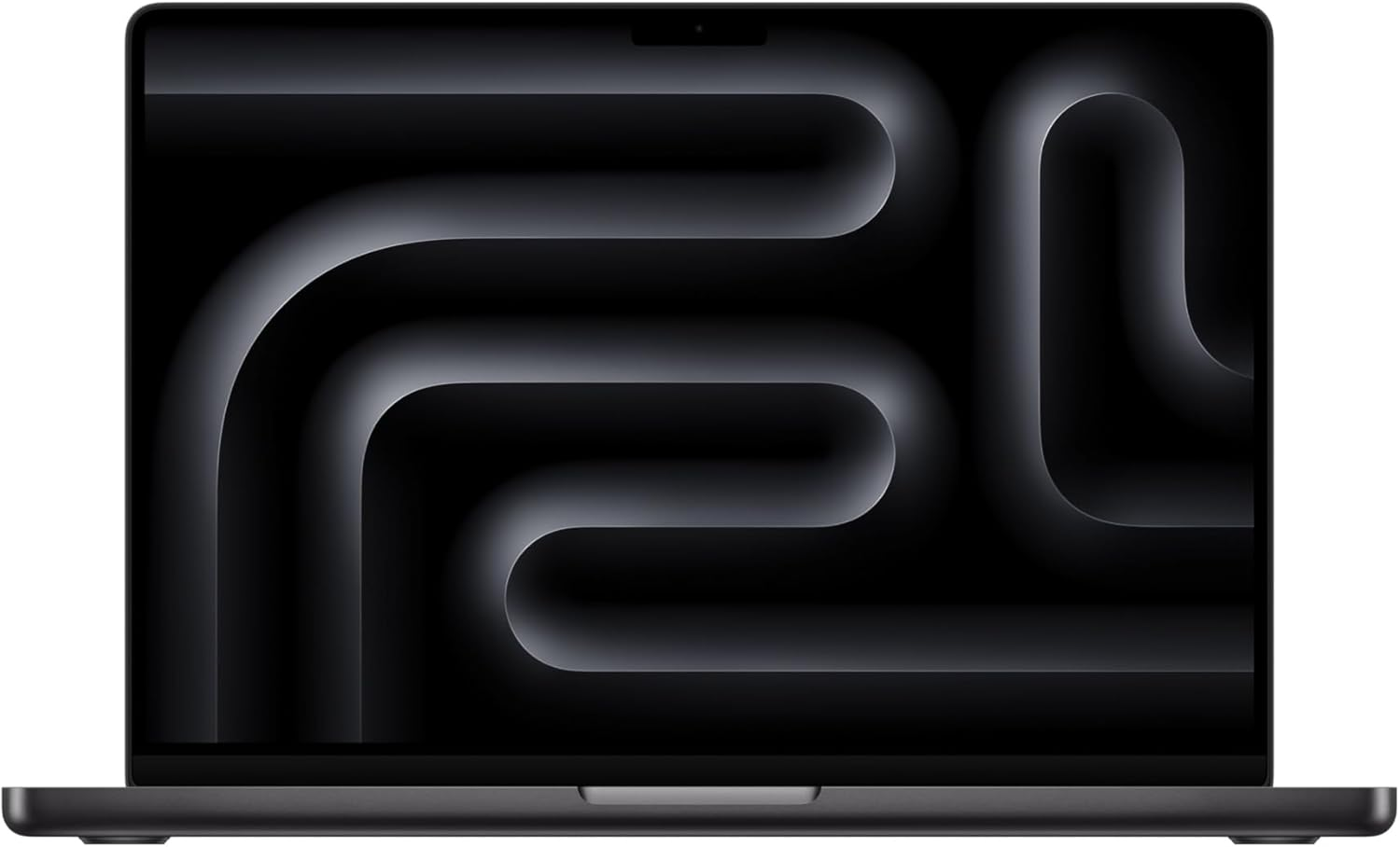
Amazon affiliate links — we earn a small commission at no cost to you.
Before you order parts, check the tested hardware list for current prices by tier.
See Also
- Qwen 3.8 27B on RTX 3090 — measured tok/s, the MTP flag, and the context that fits in 24GB
- Xing4.0 29B A4B on RTX 3090 — China Telecom’s new MoE fits in 24GB, but needs a llama.cpp fork for now
- RTX 5090 vs RTX 4090 vs Used RTX 3090 — whether to buy used 24GB value or step up
- RTX 3090 vs RTX 4090 for Local LLMs — whether the 4090 speed premium is worth it
- Can an RTX 3090 Run a 70B Local LLM? — why 70B technically fits but is usually the wrong daily-driver setup
- Can I Run a Local LLM With 64GB RAM and 24GB VRAM? — the practical RTX 3090/4090 workstation tier
- Best Local LLM for RTX 4070 Ti Super 16GB — what fits before stepping up to 24GB VRAM
- Best Local LLM for RTX 4090 → — same VRAM, faster bandwidth
- Best Local LLM for RTX 5090 → — 32GB step up
- Best Local LLM by GPU (hub)
- Best Local LLM by RAM (hub)
- How to Buy a Used RTX 3090 Without Getting Burned — verify the card before you run any of this
Need OpenClaw fixed live?
Remote rescue sessions for gateway, auth, tunnel, VPS, and model access problems.
See Rescue Session