Best Local LLM for RTX 4060 Ti 16GB (2026): Budget Picks
The RTX 4060 Ti 16GB (the 16GB variant, NOT the 8GB one) is the budget local LLM GPU in 2026: 16 GB VRAM, 288 GB/s bandwidth, running gpt-oss 20B at Q4 — the OpenClaw production pick — at ~22 tokens/sec. On price, check a live listing before you plan a build. Its $499 MSRP no longer reflects the market, and the whole 16GB tier moved sharply in the 2026 memory shortage: the newer RTX 5060 Ti 16GB runs $589-805 as of August 2026 against a $429 MSRP, and the 4070 Ti SUPER is around $1,100-1,200. The 4060 Ti still undercuts the 4070 Ti SUPER by a wide margin; it is no longer a cheap card in absolute terms.
Just got an RTX 4060 Ti 16GB?
See our AI training options. We'll set up OpenClaw + Ollama to maximize your card's 16 GB.
The 4060 Ti 16 GB is the value 16 GB card: it fits 14B-class models and tight 27B quants. On a tighter budget the 12 GB RTX 3060 runs 8-14B; for more bandwidth at 16 GB the 4070 Ti Super steps up.
Bottom Line
- Best overall: gpt-oss 20B at Q4_K_M (OpenClaw-ready, ~22 tok/sec)
- Best quality: Qwen 3.5 9B at Q8_0 (~35 tok/sec)
- Best multimodal / long context: Gemma 4 12B at Q4_K_M (~7.1 GB, 256K context)
- Best squeeze: Qwen 3.6 27B at IQ3_XS (~14 tok/sec, slow but capable)
- Don’t buy: the 8 GB version of this card — too small for serious LLM work
Ready to buy? See the tested hardware list with current prices.
Top Picks for RTX 4060 Ti 16GB (288 GB/s bandwidth)
1. gpt-oss 20B (Q4_K_M) — best for OpenClaw production
About 13 GB at Q4_K_M with 16K context. Cleanest tool-call JSON of any open model.
ollama pull gpt-oss:20b
openclaw config set agents.defaults.models.chat ollama/gpt-oss:20b
Expected speed: 18-25 tokens/sec. Usable for interactive work; slow for high-volume batch.
2. Qwen 3.5 9B (Q8_0) — best quality
About 10 GB at full Q8, near-FP16 quality. Faster than the 20B pick (~30-40 tok/sec).
ollama pull qwen3.5:9b-q8_0
3. Gemma 4 12B (Q4_K_M) — multimodal, 256K context
Google’s dense 12B (11.95B params) at 7.12 GB, or 8.41 GB at Q5_K_M. Small footprint matters more here than on faster cards: the 4060 Ti’s 288 GB/s bandwidth punishes big models, and a 7 GB model streams noticeably faster than the 13 GB gpt-oss. Unified multimodal (text, image, audio, video) with a 256K context window.
Gemma 4 26B-A4B is the pick on 24 GB cards, but its Q4_K_M build is about 16.9 GB — it will not fit here.
ollama pull gemma4:12b
openclaw config set agents.defaults.models.chat ollama/gemma4:12b
4. Qwen 3.6 27B (IQ3_XS) — capability squeeze
About 11 GB at IQ3_XS. Quality degraded but the underlying Qwen 3.6 27B is strong enough that even IQ3 beats most 14B models at higher quants.
5. Mistral Nemo 12B (Q4_K_M) — long context champion
Native 128K context. About 7 GB. Good for pasting long docs or large codebases.
What Fits in 16 GB VRAM (RTX 4060 Ti 16GB)
| Model | Quant | VRAM | Tok/sec |
|---|---|---|---|
| gpt-oss 20B | Q4_K_M | ~13 GB | 18-25 |
| Qwen 3.5 9B | Q8_0 | ~10 GB | 30-40 |
| Gemma 4 12B | Q4_K_M | ~7.1 GB | 30-40 |
| Qwen 3.6 27B | IQ3_XS | ~11 GB | 12-18 |
| Phi-4 14B | Q4_K_M | ~9 GB | 25-35 |
| Mistral Nemo 12B | Q4_K_M | ~7 GB | 35-45 |
OpenClaw Setup on RTX 4060 Ti 16GB
ollama pull gpt-oss:20b
openclaw config set agents.defaults.models.chat ollama/gpt-oss:20b
openclaw config set agents.defaults.context_limit 16000
# For longer autonomous runs, configure cloud fallback
openclaw config set agents.defaults.fallback openrouter/qwen/qwen-3.6-27b
Common Mistakes on RTX 4060 Ti 16GB
- Buying the 8 GB version by accident. Always confirm “16GB” in the product title. The 8 GB version is essentially useless for 2026 LLMs.
- Trying Qwen 3.6 27B at Q4. Doesn’t fit — Q4 needs ~17 GB. Use IQ3 squeeze (~11 GB) or step down to gpt-oss 20B at Q4.
- Expecting RTX 4090 speed. The 4060 Ti has 1/3 the bandwidth. 22 tok/sec is fine for interactive chat but slow for streaming responses.
🛒 Mac alternative
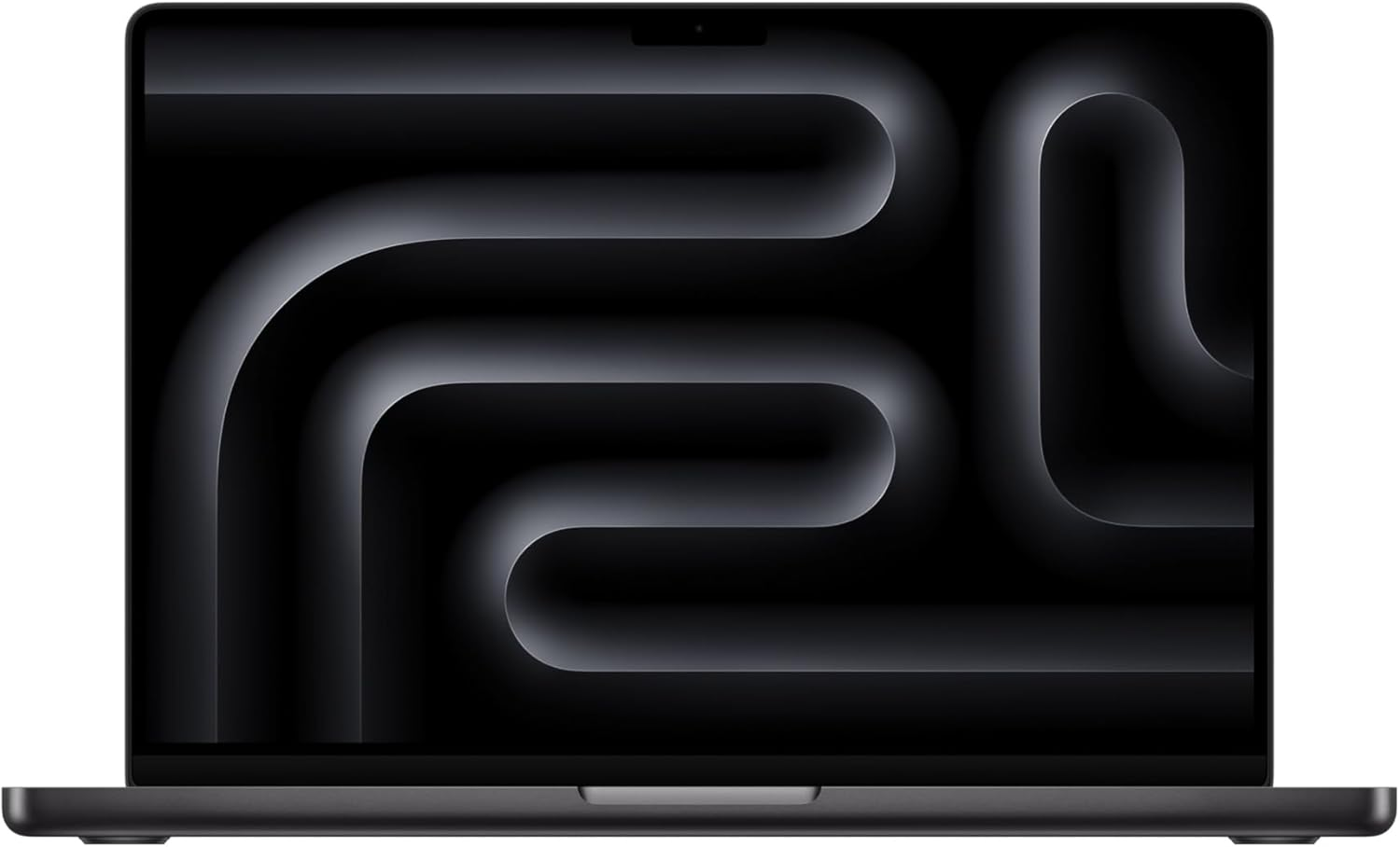
MacBook Pro M-series 24GB unified runs the same workloads slightly slower but silent and portable.
Amazon affiliate links — we earn a small commission at no cost to you.
Before you order parts, check the tested hardware list for current prices by tier.
See Also
- Best Local LLM for RTX 4070 Ti SUPER — same VRAM, 2x faster
- Best Local LLM for RTX 3090 — step up to 24GB
- Best Local LLM by GPU (hub)
- Best Local LLM for RTX 5060 Ti 16GB — same 16GB, 448 GB/s GDDR7
- Cheapest 32GB VRAM GPU (2026) — past the 16GB ceiling
Need OpenClaw fixed live?
Remote rescue sessions for gateway, auth, tunnel, VPS, and model access problems.
See Rescue Session