Best Local LLMs for 8GB RAM (2026): Qwen 3.5 Small Series
8GB is the practical floor for running a useful local LLM. The new Qwen 3.5 small series (released March 2026) gives you a competent 4B model at Q5 with room to spare, or a 9B at Q4 if you can manage context tightly. OpenClaw is not realistic at this tier — use 8GB local for chat and one-shot tasks, with a cloud fallback for tool calling.
Local LLM not enough for your workflow?
See our AI training options. We'll plan a hybrid setup that pairs your 8GB rig with cheap cloud fallback for the heavy lifting.
Bottom Line (2026)
- Best overall pick: Qwen 3.5 4B at Q5_K_M (released March 2026)
- Best squeeze for quality: Qwen 3.5 9B at Q4_K_M (tight on context)
- Best for code: Qwen 3.5 9B at Q4_K_M
- Best tiny model: Qwen 3.5 2B (when speed > quality)
- For OpenClaw: Don’t. Use a hosted Ollama Cloud free tier or a paid API for tool calls.
Top Picks for 8GB RAM
1. Qwen 3.5 4B (Q5_K_M) — best general-purpose
Part of the Qwen 3.5 small series released March 2, 2026. About 3GB on disk, 5GB at runtime with 64K context. Strong on chat, decent code, multimodal (text + light vision). Tool calling is functional but not production-grade for autonomous loops.
ollama pull qwen3.5:4b

# Quick test
ollama run qwen3.5:4b "Explain Docker in two sentences"
Expected speed: 40-60 tokens/sec on Apple M1/M2 base, 80-120 tokens/sec on RTX 3070.
2. Qwen 3.5 9B (Q4_K_M) — best quality squeeze
About 5.7GB on disk, 7-7.5GB at runtime with a tight 16K context. The current best-in-class for general capability at this RAM tier. Use this if you want the smartest model that fits.
ollama pull qwen3.5:9b

# Cap context tightly
openclaw config set agents.defaults.context_limit 16000
openclaw chat "Refactor this 50-line script"
Expected speed: 25-35 tokens/sec on Apple Silicon, 50-70 on a 12GB GPU with offload.
3. Qwen 3.5 2B — when speed matters
When you need an instant-response model for classification, summarization, or one-shot Q&A. Roughly 1.4GB at Q5, runs at 80-150 tok/sec on anything modern.
ollama pull qwen3.5:2b
4. gpt-oss 20B (IQ2_XS) — squeeze for tool calling
If you absolutely need OpenAI-style tool-call output and can tolerate IQ2 quality degradation, gpt-oss 20B at IQ2_XS fits in about 6GB. Tool calls still work because gpt-oss has the cleanest JSON schema discipline of any open model. Quality on prose is degraded.
ollama pull gpt-oss:20b-iq2_xs
This is a last-resort option. Prefer Qwen 3.5 9B at Q4 for general use.
What Fits in 8GB
| Model | Quant | RAM Used | Context That Fits |
|---|---|---|---|
| Qwen 3.5 2B | Q5_K_M | ~2 GB | 128K |
| Qwen 3.5 4B | Q5_K_M | ~3.5 GB | 64K |
| Qwen 3.5 4B | Q8_0 | ~5 GB | 32K |
| Qwen 3.5 9B | Q4_K_M | ~6 GB | 16K |
| gpt-oss 20B | IQ2_XS | ~6 GB | 16K (degraded) |
Common Mistakes at 8GB
- Trying to run a 13B model at IQ3. Tool calling collapses, prose degrades. Stick with the Qwen 3.5 small series.
- Setting context to 128K on Qwen 3.5 9B. That alone eats 8GB just for the KV cache. Cap at 16K when running locally on tight RAM.
- Running parallel inference. Two models loaded means OOM. Quit the one you are not using.
- Defaulting to Llama 3.1 8B. It still works, but Qwen 3.5 9B is meaningfully better and ships with a longer context window. Old guides recommended Llama because Qwen 3.5 9B did not exist before March 2026.
OpenClaw on 8GB: The Honest Take
OpenClaw’s tool-calling loop expects clean JSON arguments dozens of times per session. Even Qwen 3.5 9B drifts after a few rounds when context fills up at 16K cap. The recommended setup:
# Local for short tasks
openclaw chat "Rename file to lowercase"  # → ollama/qwen3.5:9b is fine

# Cloud for autonomous runs
openclaw run --agent --model openrouter/qwen/qwen-3.6-27b "Refactor this module"
🛒 Recommended hardware for local AI
The two Macs that handle the workloads on this page.
Amazon affiliate links — we earn a small commission at no cost to you.
Hardware That Actually Hits 8GB
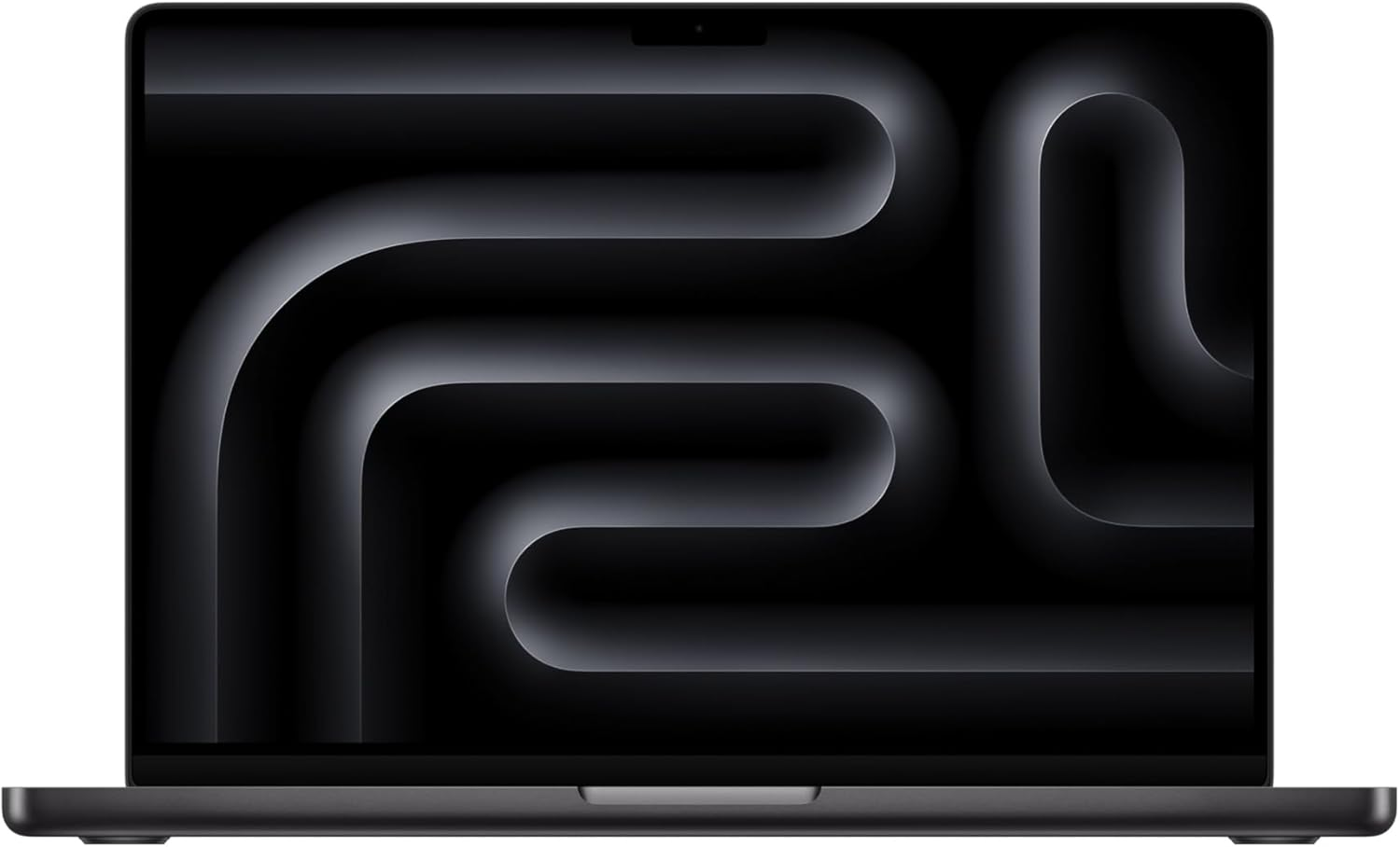
- Apple Mac mini M4 (16GB) — base model has 16GB unified, gives you headroom even at 9B Q5
- M1/M2 MacBook Air (8GB) — runs Qwen 3.5 4B Q5 at 30-40 tok/sec
- RTX 3070 / RTX 4060 Ti 8GB — discrete option for Linux/Windows
Before you order parts, check the tested hardware list for current prices by tier.
See Also
- Best Local LLMs for 16GB RAM → — next tier up
- Best Local LLM by RAM (hub) — full RAM-tier comparison
- Best Local Models for OpenClaw
Related tiers
Need OpenClaw fixed live?
Remote rescue sessions for gateway, auth, tunnel, VPS, and model access problems.
See Rescue Session