Best Local LLMs for 24GB RAM (2026): Qwen 3.6 27B Headlines
24GB is the most popular tier for serious local LLM work in April 2026, and the brand-new Qwen 3.6 27B (released April 22, 2026) just made it the sweet spot. Qwen 3.6 27B at Q4_K_M uses 16.8GB and runs at about 25.6 tokens per second on Apple M-series — and it outperforms the 397B Qwen 3.5 MoE on agentic coding benchmarks. This is the new headline pick for Mac Mini 24GB and RTX 3090/4090 owners.
Mac Mini 24GB owner running OpenClaw?
See our AI training options. We'll get Qwen 3.6 27B humming on your unified memory.
Bottom Line (2026)
- Best overall pick: Qwen 3.6 27B at Q4_K_M — released April 22, 2026
- Best for OpenClaw production: gpt-oss 20B at Q5_K_M (cleanest tool calls)
- Best for fast inference: Qwen 3.6 35B-A3B (MoE — 3B active params per token)
- Best premium quality: Qwen 3.5 9B at Q8_0 with 128K context
Ready to buy? See the tested hardware list with current prices.
Top Picks for 24GB RAM
1. Qwen 3.6 27B (Q4_K_M) — the new headline (April 22, 2026)
The most important local LLM release of April 2026. Dense 27B model that scores 77.2 on SWE-Bench Verified, outperforming the 397B Qwen 3.5 MoE on agentic coding. About 16.8GB on disk at Q4_K_M, runs at 25.6 tokens per second on Apple M-series.
ollama pull qwen3.6:27b

openclaw config set agents.defaults.models.chat ollama/qwen3.6:27b
openclaw chat "Refactor this function and update the callers"
This is the model that made Llama 3.3 70B feel old.
2. gpt-oss 20B (Q5_K_M) — best for OpenClaw production
OpenAI’s open-weight 20B at Q5_K_M uses about 14GB. Cleanest tool-call JSON output of any open-weight model — which is exactly what OpenClaw autonomous loops need. Pick this over Qwen 3.6 27B if your workload is heavily tool-call dependent.
ollama pull gpt-oss:20b-q5_K_M

openclaw config set agents.defaults.models.chat ollama/gpt-oss:20b-q5_K_M
openclaw run --agent "Implement the spec in features.md"
3. Qwen 3.6 35B-A3B (MoE) — fastest at this tier
The Qwen 3.6 Mixture-of-Experts variant. 35B total parameters but only 3B active per token, which means inference is roughly 8B-class speed (40-60 tok/sec on Apple Silicon). At IQ4_XS the model fits in about 18GB.
ollama pull qwen3.6:35b
openclaw config set agents.defaults.models.chat ollama/qwen3.6:35b
Pick this if speed matters more than peak quality. The MoE design and Mac Mini’s unified memory are a perfect match.
4. Qwen 3.5 9B (Q8_0) — premium small model
If you want the highest-quality small model rather than a midsize one at Q4, Qwen 3.5 9B at Q8 uses about 11GB. Leaves you 12GB for context (128K is realistic) and other apps.
ollama pull qwen3.5:9b-q8_0
5. Nemotron Cascade 2 30B — NVIDIA’s recent drop
NVIDIA’s late-March 2026 release. 30B dense, strong on reasoning and structured output. About 19GB at Q4_K_M.
ollama pull nemotron-cascade-2:30b
What Fits in 24GB
| Model | Quant | RAM Used | Tool Calling |
|---|---|---|---|
| Qwen 3.6 27B | Q4_K_M | ~19 GB | Excellent |
| gpt-oss 20B | Q5_K_M | ~17 GB | Excellent (production) |
| Qwen 3.6 35B-A3B | IQ4_XS | ~21 GB | Excellent |
| Nemotron Cascade 2 30B | Q4_K_M | ~19 GB | Good |
| Qwen 3.5 9B | Q8_0 | ~11 GB | Good |
| Qwen 3.5 4B | Q8_0 | ~5 GB | Fair |
OpenClaw Setup on 24GB Mac Mini
The Mac Mini 24GB is one of the best dedicated OpenClaw hosts you can buy. With the Qwen 3.6 release, the recipe is:
# 1. Pull Qwen 3.6 27B (the new headline model)
ollama pull qwen3.6:27b

# 2. Wire it into OpenClaw
openclaw config set agents.defaults.models.chat ollama/qwen3.6:27b

# 3. Set context to 32K (leaves headroom)
openclaw config set agents.defaults.context_limit 32000

# 4. For autonomous runs, prefer gpt-oss 20B (more reliable tool calls)
openclaw config set agents.defaults.models.agent ollama/gpt-oss:20b-q5_K_M

# 5. Smoke test
openclaw chat "List the three largest files in my home directory"
Common Mistakes at 24GB
- Picking Qwen 3.5 27B instead of 3.6 27B. The 3.5 has a tool-calling bug in Ollama (GitHub issue #14493) that breaks OpenClaw. Always 3.6.
- Defaulting to Llama 3.3 70B at IQ2. It used to be the headline pick at this tier. Qwen 3.6 27B at Q4 now beats it on every metric and fits comfortably.
- Forgetting to leave OS headroom on Mac Mini. macOS uses 4-6GB. Treat 24GB unified as 18-20GB available.
- Using the full 256K Qwen 3.6 context window. The KV cache alone eats 24GB+. Cap at 32K-64K and raise only if needed.
🛒 Recommended hardware for local AI
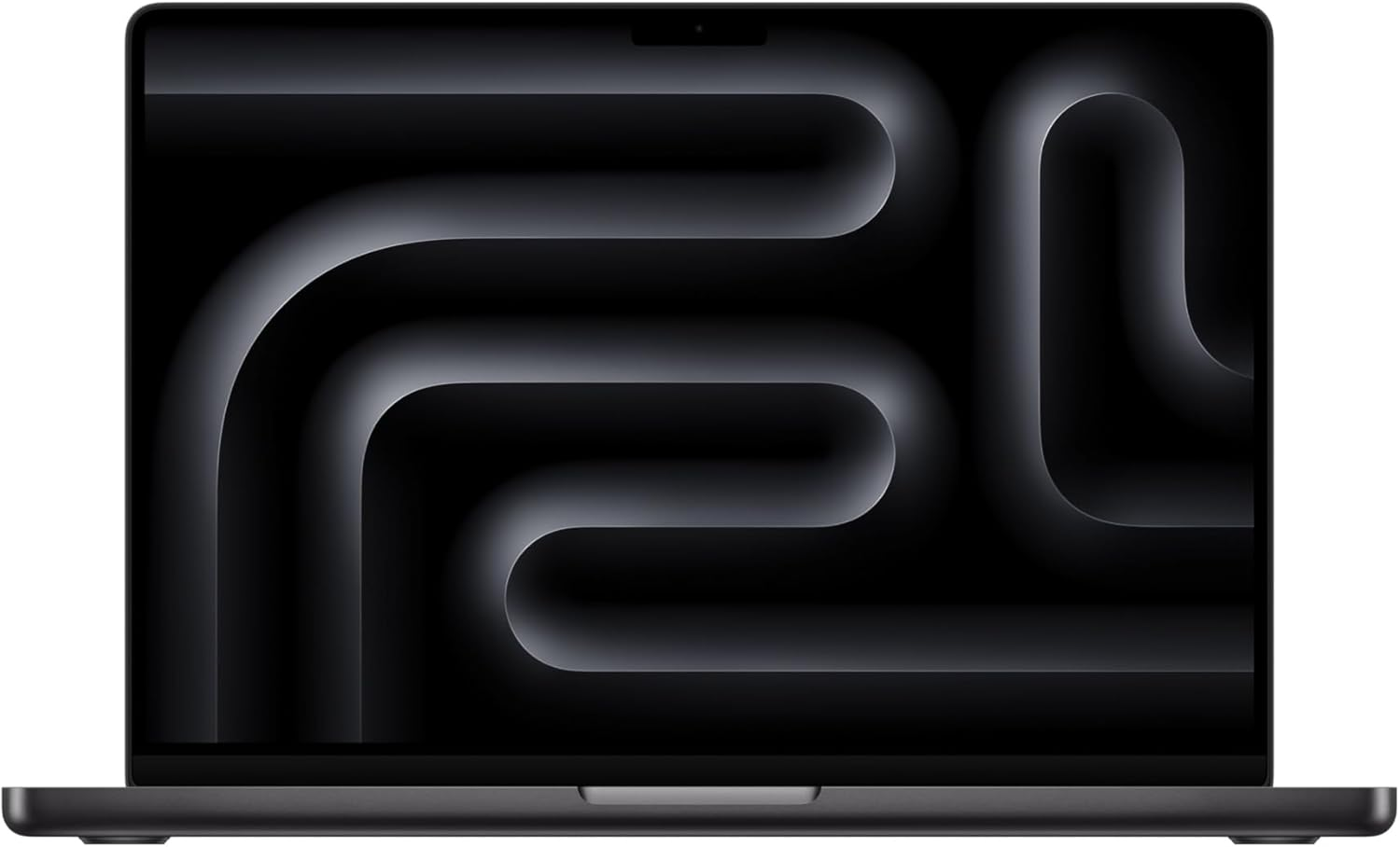
The two Macs that handle the workloads on this page.
Amazon affiliate links — we earn a small commission at no cost to you.
Hardware That Actually Hits 24GB
- Apple Mac mini M4 (24GB) — best dedicated OpenClaw host
- M2/M3/M4 Pro MacBook Pro (24GB)
- NVIDIA RTX 3090 24GB / RTX 4090 24GB — fastest discrete option
- NVIDIA RTX A5000 24GB — workstation card
Before you order parts, check the tested hardware list for current prices by tier.
See Also
- Best Local LLMs for 16GB RAM — previous tier
- Best Local LLMs for 32GB RAM → — Qwen 3.6 at Q6
- OpenClaw Mac Mini Setup — full Mac Mini guide
- Best Local Models for OpenClaw
- Best Local LLM by RAM (hub)
Need OpenClaw fixed live?
Remote rescue sessions for gateway, auth, tunnel, VPS, and model access problems.
See Rescue Session