MacBook Pro M4 Max for AI: 36GB vs 128GB (Which RAM for Local LLMs?)
The 36GB vs 128GB choice on an M4 Max is not only a memory choice. 36GB ships exclusively on the 14-core M4 Max with a 32-core GPU and 410 GB/s of memory bandwidth. 128GB requires the 16-core M4 Max with a 40-core GPU and 546 GB/s. So the bigger config buys you 33% more bandwidth on top of 3.5x the memory, and bandwidth sets your token rate. At 36GB you run Qwen 3.6 27B at Q8 and Laguna XS 2.1 at Q8 — genuinely good models. At 128GB you run gpt-oss 120B Q6, Llama 4 Scout, and multiple models at once. Most people should buy 36GB.
Not sure which config you need?
See our AI training options. We'll size the machine to the models you actually plan to run, not the ones on a spec sheet.
Bottom Line (August 2026)
- Buy 36GB if you run one model at a time. Qwen 3.6 27B Q8, Laguna XS 2.1 Q8, and gpt-oss 20B all fit, and they cover coding, chat, and OpenClaw agent work.
- Buy 128GB if you can name the 120B-class model you want. gpt-oss 120B Q6 (~93GB), Llama 4 Scout Q4 (~58GB, 10M context), or two models resident at once.
- The hidden catch — 36GB only exists on the 14-core M4 Max at 410 GB/s. 128GB requires the 16-core M4 Max at 546 GB/s. You are buying 33% more bandwidth, not just more memory.
- What that costs you — a memory-bound model decodes at roughly bandwidth ÷ bytes-read-per-token. On the 36GB machine, expect about 25% lower tok/s on the same model.
- Real usable memory — subtract 15-20GB for macOS, your browser, and your editor. 36GB behaves like ~18GB of model budget. 128GB behaves like ~110GB.
- Most people should buy 36GB. The 128GB config is a step up in chip and memory tier, and the price gap is large.
Ready to buy? See the tested hardware list with current prices.
Speeds below come from published Apple Silicon benchmarks and community reports. Treat them as ranges. Quantization, context length, and what else is resident all move them.
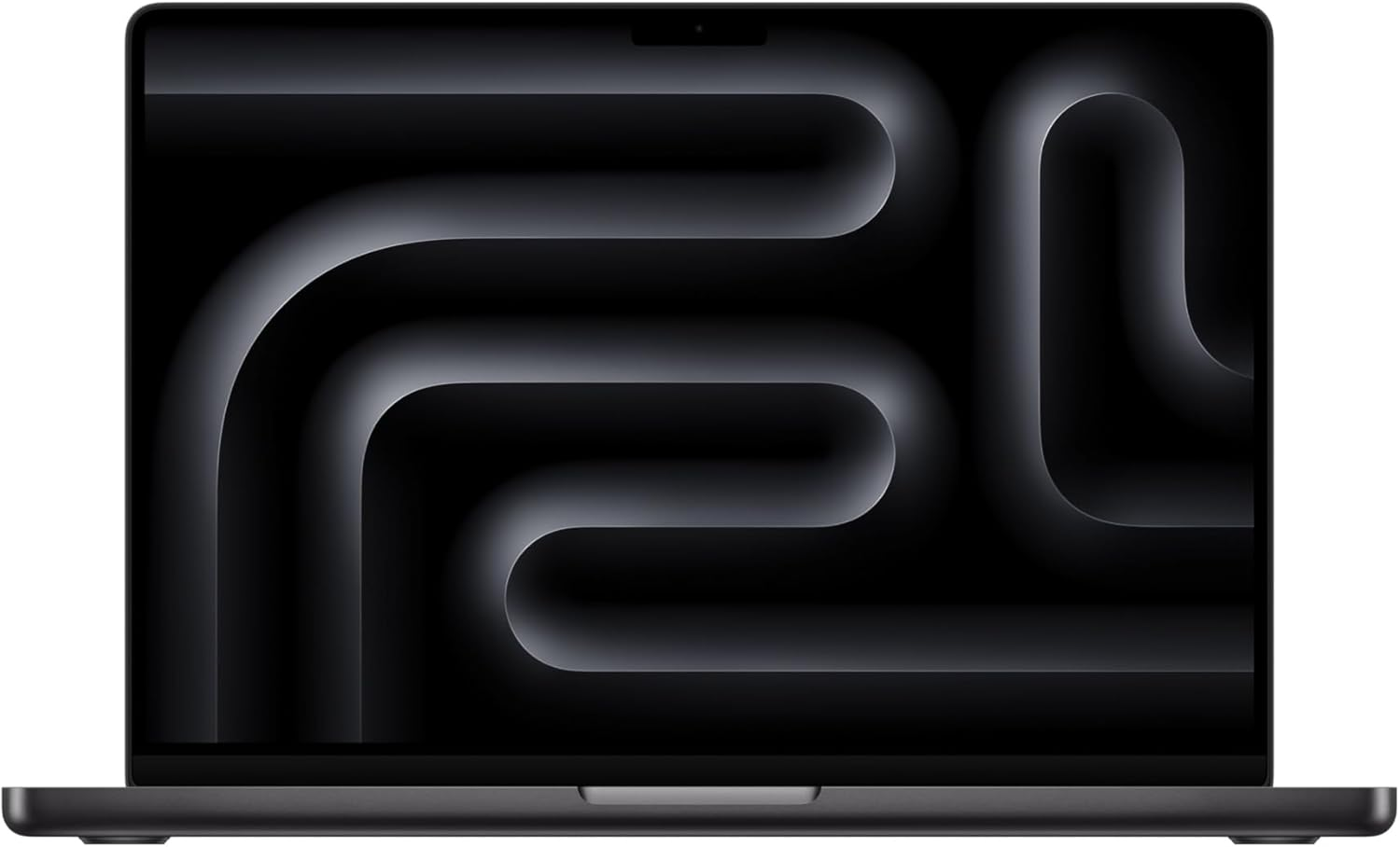
The Spec Difference Nobody Mentions
Apple does not sell 36GB and 128GB on the same chip.
36GB ships on the M4 Max with a 14-core CPU and 32-core GPU, rated at 410 GB/s of memory bandwidth. Apple’s own MacBook Pro performance testing used exactly this configuration.
128GB requires the M4 Max with a 16-core CPU and 40-core GPU, rated at 546 GB/s.
So the upgrade is really three upgrades stacked: more memory, two more CPU cores, eight more GPU cores, and 33% more bandwidth. That last one is what determines your token rate.
| 36GB config | 128GB config | |
|---|---|---|
| CPU | 14-core M4 Max | 16-core M4 Max |
| GPU | 32-core | 40-core |
| Memory bandwidth | 410 GB/s | 546 GB/s |
| Usable model budget | ~18-20 GB | ~108-112 GB |
| Largest practical model | 27-35B class | 120B class |
| Long context | Capped at 32-64K | Up to 10M (Scout) |
| Two models resident | No | Barely |
Why bandwidth decides your tok/s
Decode speed on a dense model is memory-bound. Each generated token requires reading the active weights once. So your ceiling is bandwidth divided by bytes read per token, and nothing else in the machine fixes it.
Run the same 30GB model on both configs and the 546 GB/s machine finishes roughly 33% more reads per second. In practice you see about 25-30% more tok/s after overhead. The 36GB machine is not slow — it is just measurably slower on identical work.
MoE models blunt this. Qwen 3.6 35B-A3B activates about 3B parameters per token, so it reads a fraction of its weights and clears 40-60 tok/s even on the lower-bandwidth part. If you are buying 36GB, bias hard toward MoE.
What Fits in 36GB
Budget 15-20GB for macOS, Chrome, and your editor. That leaves roughly 18-20GB of real model space, which is the number to size against.
| Model | Quant | Memory | Tok/s (410 GB/s) | Best for |
|---|---|---|---|---|
| Qwen 3.6 35B-A3B | Q6_K | ~30 GB | 40-60 | Best speed/quality on this tier |
| Qwen 3.6 27B | Q6_K | ~22 GB | 20-30 | Dense reasoning with headroom |
| Laguna XS 2.1 (33B/3B) | Q8_0 | ~33-36 GB | 35-45 | Agentic coding, cap context at 32K |
| gpt-oss 20B | Q6_K | ~16 GB | 60-80 | Fast tool calling, plenty of room left |
| Gemma 4 26B-A4B | Q6_K | ~20 GB | 50-70 | General chat, MoE speed |
| Qwen 3.6 27B | Q8_0 | ~30 GB | 15-25 | Max quality, close everything else |
The honest caveat: the 30GB+ entries fit only if you close your browser. A 33GB model on a 36GB machine leaves 3GB for macOS, and macOS will not accept that. Treat Q6_K as the default quant at this tier and Q8 as a “nothing else running” option.
Laguna XS 2.1 is the reason 36GB is viable at all. Poolside’s 33B-total / 3B-active MoE scores 70.9% on SWE-bench Verified, ships official GGUF and MLX builds, and only activates 3B parameters per token. It is a frontier-adjacent coding model that runs on the cheap config.
ollama pull qwen3.6:35b-a3b-q6_K
openclaw config set agents.defaults.models.chat ollama/qwen3.6:35b-a3b-q6_K
openclaw config set agents.defaults.context_limit 32768
What Fits in 128GB
| Model | Quant | Memory | Tok/s (546 GB/s) | Best for |
|---|---|---|---|---|
| gpt-oss 120B | Q6_K | ~93 GB | 14-20 | Production agent loops, best tool calls |
| Llama 4 Scout (109B/17B) | Q4_K_M | ~58 GB | 25-35 | 10M-token context |
| Llama 4 Maverick (400B/17B) | Q4_K_M | ~95-100 GB | 10-15 | Strongest local reasoning |
| Mistral Small 4 (119B-A6B) | Q6_K | ~95 GB | 14-18 | MoE reasoning alternative |
| Qwen 3.5 122B-A10B | Q5_K_M | ~92 GB | 18-25 | Breadth of knowledge |
| Laguna XS 2.1 | Q8_0 | ~36 GB | 40+ | Co-load alongside a big chat model |
Note what happens to the small models: Laguna XS 2.1 runs faster at 128GB, because it inherits the 546 GB/s bandwidth. The 128GB config is not only about the models 36GB cannot load.
Premium 128GB Mac configurations ↗ — the only laptops that run 120B-class models fully offline.
Which One Should You Buy?
Buy 36GB if
- You run one model at a time, which is what almost everyone actually does.
- Your work is coding, chat, summarization, and normal OpenClaw runs.
- You are comfortable with Q6_K instead of Q8.
- You cap context at 32-64K, which covers a large file or a long conversation.
- You have not yet proven daily local-LLM usage and do not want to bet thousands on it.
36GB is not a compromise tier. Qwen 3.6 35B-A3B at 40-60 tok/s is a genuinely good daily driver, and Laguna XS 2.1 is close to the best open coding model available.
Buy 128GB if
- You can name the 120B-class model you want to run. If you cannot, you do not need it.
- You want Llama 4 Scout’s 10 million token window to swallow a whole repo.
- You run OpenClaw autonomously for hours and want gpt-oss 120B’s tool-call reliability.
- You want a chat model and a coding model resident at once so agent routing never reloads weights.
- You want the extra 33% bandwidth on every model, including the small ones.
Also worth knowing before you decide: Apple raised MacBook Pro prices by $300 across the line in June 2026 in response to the DRAM shortage, and memory upgrades absorbed most of that. The 36GB-to-128GB gap is wider now than it was at launch.
Check what Apple is actually selling before you use this comparison, as of August 2026. Apple’s current MacBook Pro lineup is M5 Pro and M5 Max; M4 Max configurations are prior-generation and mostly reachable through clearance and refurbished stock. The bandwidth argument on this page carries over to the M5 Max generation, but the specific 36GB and 128GB M4 Max prices quoted in older guides are not prices you can pay at the Apple Store today, and we have not verified current M4 Max clearance figures. If you are buying new, run this same 36-vs-128 reasoning against the M5 Max tiers Apple currently lists.
The Middle Options
Apple also sells 48GB and 64GB on the M4 Max. Both come on the 16-core chip at 546 GB/s, which makes 48GB the cheapest way to get full bandwidth.
If the 36GB tok/s penalty bothers you but 128GB is out of budget, 48GB is the actual answer. It gets you 546 GB/s, comfortable Q8 room for Qwen 3.6 27B, and Laguna XS 2.1 with real headroom. See Best Local LLMs for 48GB RAM.
Common Mistakes
- Treating 36GB as a pure capacity decision. It is also a 410 GB/s vs 546 GB/s decision, and the bandwidth follows you into every model you ever run.
- Sizing to 36GB instead of ~18GB. macOS plus Chrome plus an editor takes 15-20GB. A 33GB model on this machine will swap.
- Buying 128GB “to be safe.” If you cannot name a 120B model you will run weekly, you are paying for headroom you will not touch.
- Running dense models on the 36GB config. MoE architectures activate a few billion parameters per token and mostly erase the bandwidth gap. Prefer them at this tier.
- Benchmarking on battery. macOS cuts sustained GPU power off the charger and decode rates fall well before any thermal limit.
Before you order parts, check the tested hardware list for current prices by tier.
See Also
- Best Local LLM for M4 Max — M4 Max model picks across every memory config
- Best Models to Run on a MacBook Pro M4 Max 128GB — the full 128GB model list and MLX vs Ollama
- 64GB vs 128GB RAM for Local LLMs — the next decision up the ladder
- Best Local LLMs for 32GB RAM — the tier just below 36GB
- Best Local LLMs for 48GB RAM — the full-bandwidth budget option
- Why Is My Local LLM So Slow? — the bandwidth math behind every number here
Need a second pair of hands on a broken OpenClaw setup?
Gateway, auth, secure access, VPS, and model troubleshooting.
See Rescue Session →