Best Local LLM M4 Max: MacBook Pro 36-128GB Picks (2026)
The MacBook Pro M4 Max is Apple's flagship laptop chip for local AI. 36-128 GB unified memory at ~410-546 GB/s bandwidth means you can run Qwen 3.6 27B at Q8 (premium quality), Llama 3.3 70B at Q5 (with 64+ GB), or dual-model OpenClaw routing without breaking a sweat — silent, no fan noise, no electricity spike.
M4 Max OpenClaw setup?
See our AI training options. We'll wire OpenClaw + Ollama for your specific MacBook Pro RAM tier in 30 min.
Updated July 23, 2026: Laguna XS 2.1 (Poolside, July 2) is the new agentic-coding pick. It fits every M4 Max tier — Q4 (~20 GB) on 36 GB, Q8 (~33 GB) on 48 GB+.
Shopping, not just reading? Our full gear ladder lists every verified pick by tier — Macs, single GPUs, and multi-GPU builds — with what to buy and what to skip.
Bottom Line by RAM Variant
| Your M4 Max | Best Pick | OpenClaw Pick |
|---|---|---|
| 36 GB | Qwen 3.6 27B (Q6_K) — ~30 GB | gpt-oss 20B (Q5) |
| 48 GB | Qwen 3.6 27B (Q8_0) — ~30 GB | gpt-oss 20B (Q8) |
| 64 GB | Llama 3.3 70B (Q5_K_M) — ~50 GB | gpt-oss 20B (Q8) + Qwen 3.6 27B (Q5) dual |
| 96 GB | Llama 3.3 70B (Q6_K) — ~60 GB | GLM-5.1 32B (Q8) for autonomy |
| 128 GB | Mistral Small 4 (119B-A6B) at Q5 — ~80 GB | gpt-oss 120B (Q4) |
For agentic coding at any tier, Laguna XS 2.1 (Q8 ~33 GB) is the best local pick — 33B MoE, 3B active, 70.9% SWE-Bench Verified.
Top Picks for M4 Max (36-128 GB unified, ~410-546 GB/s bandwidth)
1. Qwen 3.6 27B (Q6/Q8) — best at any M4 Max tier
The April 22 release at Q6 (~22 GB) runs comfortably on 36 GB+. At Q8 (~30 GB) it fits 48 GB+. Near-FP16 quality with the model that beat the 397B Qwen 3.5 MoE on agentic coding.
ollama pull qwen3.6:27b-q8_0  # for 48GB+
ollama pull qwen3.6:27b-q6_K  # for 36GB
openclaw config set agents.defaults.models.chat ollama/qwen3.6:27b-q8_0
Expected speed on M4 Max: 20-30 tokens/sec depending on quant.
2. Laguna XS 2.1 (Q8_0) — best agentic coding at any tier
Poolside’s July 2 release. A 33B MoE with only 3B active params, so it generates at small-model speed. It scores 70.9% on SWE-Bench Verified. At Q8 (~33 GB) it fits 48 GB+ M4 Max variants; use Q4 (~20 GB) on the 36 GB tier. Native 256K context — cap it lower on 36 GB to keep headroom. Speed: 30-45 tok/sec because of the sparse MoE.
ollama pull laguna-xs-2.1  # Q8 ~33GB for 48GB+
openclaw config set agents.defaults.models.chat ollama/laguna-xs-2.1
3. Llama 3.3 70B (Q5_K_M) — for 64GB+ variants
About 50 GB at Q5_K_M with 16K context. Premium 70B-class quality. Speed: 12-18 tok/sec on M4 Max.
ollama pull llama3.3:70b-instruct-q5_K_M
4. gpt-oss 20B (Q8_0) — best for OpenClaw production at any tier
About 22 GB at Q8. Cleanest tool-call JSON. Fits even 36 GB M4 Max comfortably.
5. GLM-5.1 32B (Q5_K_M or Q8_0) — best for autonomous runs
Zhipu’s purpose-tuned model for multi-hour agent loops. Q5 (~26 GB) fits 36 GB+. Q8 (~38 GB) fits 48 GB+.
6. Dual-model setup (64+ GB tier)
openclaw config set agents.defaults.models.chat ollama/qwen3.6:27b-q8_0
openclaw config set agents.defaults.models.agent ollama/gpt-oss:20b-q8_0
openclaw config set agents.defaults.keep_alive 1h
Total: ~52 GB hot. Leaves room for context + macOS.
OpenClaw Setup on M4 Max
ollama pull qwen3.6:27b-q8_0
ollama pull gpt-oss:20b-q8_0
openclaw config set agents.defaults.models.chat ollama/qwen3.6:27b-q8_0
openclaw config set agents.defaults.models.agent ollama/gpt-oss:20b-q8_0
openclaw config set agents.defaults.context_limit 65536
openclaw config set agents.defaults.keep_alive 1h
Common Mistakes on M4 Max
- Forgetting macOS uses 6-10 GB. Treat 36 GB as 26-30 GB available, 48 GB as 38-42 GB, etc.
- Running 128K context with 27B Q8. KV cache eats 20+ GB. Cap at 64K.
- Trying to push 70B on the 36GB variant. Q4 70B needs 42 GB just for model weights — not enough headroom. Stay with Qwen 3.6 27B at Q6.
- Comparing tok/sec to a 4090 and feeling slow. M4 Max bandwidth is roughly half — that’s the trade for silent + portable + 36-128 GB unified.
🛒 The exact MacBook to buy
If you're still picking, these are the configurations that hit the sweet spots above.
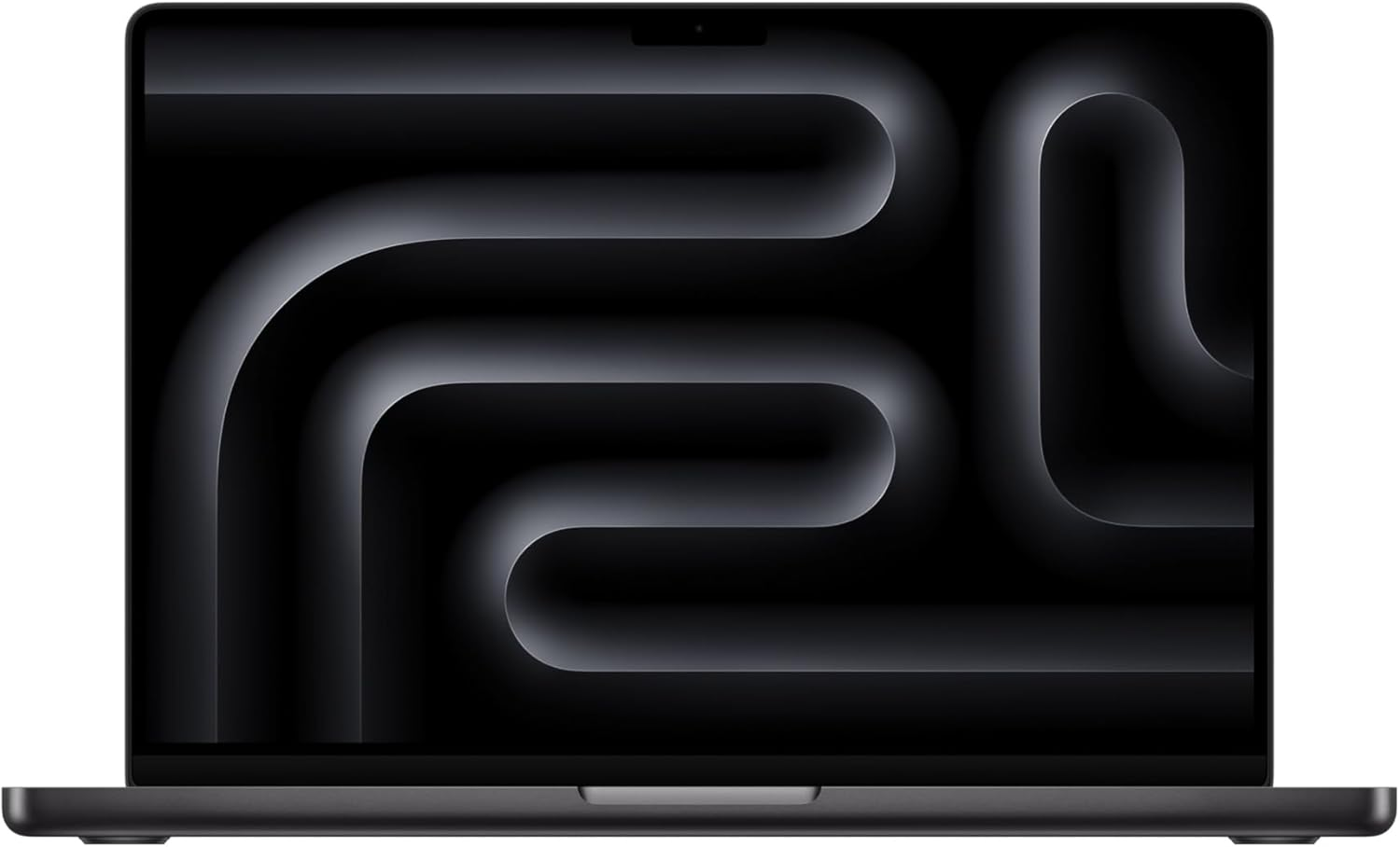
Amazon affiliate links — we earn a small commission at no cost to you.
FAQ
What is the best local LLM for a MacBook Pro M4 Max?
Depends on your RAM: 36 GB → Qwen 3.6 27B at Q6 (~28 GB), 48 GB → Qwen 3.6 27B at Q8 (~30 GB), 64 GB → Llama 3.3 70B at Q5 with 16K context, 96 GB → dual-model setup or 70B at Q6, 128 GB → Mistral Small 4 (119B-A6B) at Q5 or full multi-model routing. For OpenClaw production reliability at any RAM tier, gpt-oss 20B at the highest fitting quant is the safest pick.
What is the best local LLM for coding on an M4 Max?
Laguna XS 2.1 (Poolside, July 2 2026) is the best local agentic-coding pick on the M4 Max. It is a 33B MoE with only 3B active params and scores 70.9% on SWE-Bench Verified. At Q8 (~33 GB) it fits 48 GB and larger variants; use Q4 (~20 GB) on a 36 GB M4 Max. Because only 3B params are active per token, it generates at 30-45 tokens/sec despite the 33B total size.
M4 Max vs RTX 4090 for local LLMs?
4090 wins on raw tokens/sec for 24GB-and-under models (1008 GB/s vs ~410-546 GB/s bandwidth on M4 Max). M4 Max wins on (a) silence, (b) portability, (c) no electricity bill spike, and (d) unified memory above 24 GB. If you want 64+ GB to run 70B models, M4 Max wins outright — a 4090 can't fit them at any quant.
What is the best LLM for a MacBook Pro?
It depends on memory. On a 36GB M4 Max, run Qwen 3.6 27B at Q6_K (~22GB). On 48GB and up, run Qwen 3.6 27B at Q8_0 (~30GB), or Laguna XS 2.1 at Q8 (~33GB) for coding. On 64GB and up, Llama 3.3 70B at Q5_K_M (~50GB) fits. For a 16GB machine, see the 16GB MacBook Pro guide.
What can an Apple M4 Max 128GB run?
Mistral Small 4 (119B-A6B) at Q5 (~80GB) as the best pick, gpt-oss 120B at Q4 for OpenClaw, or Llama 3.3 70B at Q6_K (~60GB). gpt-oss 120B at Q6 uses about 93GB and runs 14-20 tok/sec on the M4 Max. See the MacBook Pro M4 Max 128GB guide for the full list.
Should I run Qwen 3.6 on an M4 Max?
Yes. Qwen 3.6 27B is the best pick at every M4 Max tier: Q6_K (~22GB) on 36GB, Q8_0 (~30GB) on 48GB and up. Expect 20-30 tok/sec. Skip Qwen 3.5 27B, which has an Ollama tool-calling bug that breaks OpenClaw loops.
Before you order parts, check the tested hardware list for current prices by tier.
See Also
- M4 Max 36GB vs 128GB for Local AI — which RAM config to buy, model fit per tier
- Best Local LLM for Mac Studio M2 Ultra → — desktop tier (64-192 GB)
- Mac Studio vs RTX Workstation for Local LLMs — Apple unified memory vs NVIDIA CUDA
- OpenClaw on Mac Mini — entry Mac host
- Best Local LLM for RTX A6000 — comparable workstation tier
- Best Local LLM by GPU (hub)
- Best Local LLM by RAM (hub)
Need OpenClaw fixed live?
Remote rescue sessions for gateway, auth, tunnel, VPS, and model access problems.
See Rescue Session