Best Models to Run on a MacBook Pro M4 Max 128GB
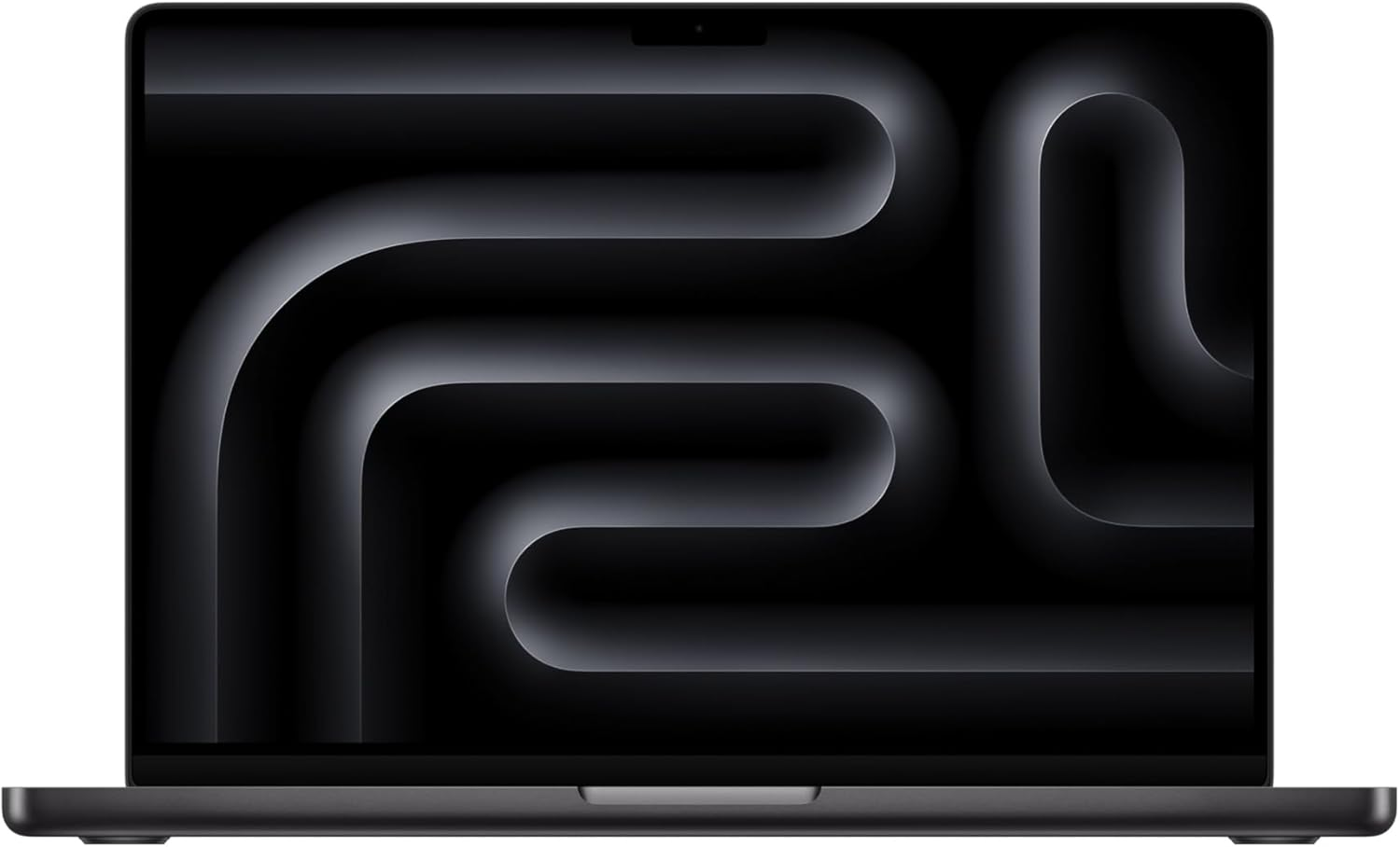
The MacBook Pro M4 Max 128GB is the only laptop that runs 120B-class models without cloud. It has the same 546 GB/s memory bandwidth and the same M4 Max silicon as the Mac Studio — so single-prompt speeds match. gpt-oss 120B at Q6 fills ~93GB and decodes at 14-20 tok/s. Laguna XS 2.1 runs at full Q8 in ~36GB and is the best local agentic coder. Llama 4 Scout gives you a 10M-token window at ~58GB. The one thing the laptop cannot match is the Studio's sustained-load thermal headroom over multi-hour agent runs.
Running OpenClaw off a MacBook Pro?
See our AI training options. We'll plan a laptop-first OpenClaw setup that keeps a 120B model and a coding model resident without swapping.
Bottom Line (August 2026)
- Best overall — gpt-oss 120B Q6_K (~93GB, 14-20 tok/s). Near-FP16 quality and the cleanest tool calls for OpenClaw agent loops.
- Best coding — Laguna XS 2.1 (33B/3B MoE) at Q8 (~36GB, 40+ tok/s). 70.9% SWE-bench Verified, 256K context, small enough to co-load with gpt-oss.
- Best long context — Llama 4 Scout Q4 (~58GB, 25-35 tok/s). 10 million token window; feed it a whole repo.
- Best reasoning, tight fit — Llama 4 Maverick Q4 (~95-100GB, 10-15 tok/s). Cap context at 16K-32K or you swap.
- Runtime — MLX beats Ollama badly below ~27B and converges above it. Ollama moved to MLX on March 30, 2026.
- Where the laptop loses to a Studio — not peak speed, only sustained multi-hour load.
Speeds below are single-stream decode rates from published Apple Silicon benchmarks and community reports. Treat them as ranges, not guarantees — quantization, context length, and what else is resident all move them.
The Hardware, Briefly
The M4 Max in the MacBook Pro is the same silicon as the M4 Max in the Mac Studio: 128GB of unified memory at 546 GB/s. That bandwidth is roughly double the DGX Spark’s ~273 GB/s, which is why dense models decode faster on Apple hardware at this tier.
Bandwidth sets your ceiling. A model with 93GB of active weights cannot decode faster than bandwidth divided by bytes-read-per-token, and MoE models cheat this by activating only a slice of their parameters. That is why a 400B MoE like Maverick manages 10-15 tok/s while a 33B MoE like Laguna XS clears 40.
The second constraint is the one people forget on a laptop: macOS, your browser, and your editor also live in that 128GB pool. Budget 15-20GB for the system before you size a model.
What Fits in 128GB
| Model | Quant | Memory | Tok/s (M4 Max) | Best for |
|---|---|---|---|---|
| gpt-oss 120B | Q6_K | ~93 GB | 14-20 | Production agent loops, tool calling |
| Laguna XS 2.1 (33B/3B) | Q8_0 | ~36 GB | 40+ | Agentic coding, 256K context |
| Llama 4 Scout (109B/17B) | Q4_K_M | ~58 GB | 25-35 | 10M-token context |
| Llama 4 Maverick (400B/17B) | Q4_K_M | ~95-100 GB | 10-15 | Strongest local reasoning |
| Mistral Small 4 (119B-A6B) | Q6_K | ~95 GB | 14-18 | MoE reasoning alternative |
| Qwen 3.5 122B-A10B | Q5_K_M | ~92 GB | 18-25 | Breadth of knowledge |
| DeepSeek V4 Flash (284B/13B) | cloud | n/a | n/a | Coding — Ollama cloud only |
DeepSeek V4 Flash still tops open-weight coding benchmarks, and its Q4 weights would fit at roughly 80GB. Ollama continues to serve it cloud-only (deepseek-v4-flash:cloud); fully local runs need experimental forks. Do not buy this laptop expecting local V4 Flash today.
Our Picks
1. gpt-oss 120B Q6_K — the default
This is the model that justifies 128GB in a laptop. At Q6_K it uses about 93GB and holds essentially FP16 quality, and its tool-call JSON is the most reliable of any open-weight model — the thing that breaks long autonomous runs.
ollama pull gpt-oss:120b-q6_K
openclaw config set agents.defaults.models.chat ollama/gpt-oss:120b-q6_K
Expect 14-20 tok/s. Keep context at 32K unless you drop to Q4, which frees roughly 30GB.
2. Laguna XS 2.1 Q8 — the coding model you actually keep open
Poolside’s 33B-total / 3B-active MoE, released July 2, 2026. It scores 70.9% on SWE-bench Verified and 63.1% on SWE-bench Multilingual, runs a 256K context with an FP8 KV cache, and ships official GGUF and MLX conversions plus a DFlash draft model for speculative decode.
ollama pull laguna-xs:2.1
openclaw config set agents.defaults.models.code ollama/laguna-xs:2.1
openclaw config set agents.defaults.context_limit 262144
At ~36GB it leaves 90GB free. This is the model to leave resident all day on battery — 3B active parameters means low bandwidth pressure and low heat.
3. Llama 4 Scout Q4 — when the input is huge
109B total / 17B active, ~58GB at Q4, and a 10 million token context window. Nothing else local is close. Use it to load an entire codebase or a stack of PDFs in one shot at 25-35 tok/s.
4. Llama 4 Maverick Q4 — the ceiling, with caveats
400B total / 17B active. At Q4_K_M the weights alone are 95-100GB, which fits 128GB with almost no headroom left.
openclaw config set agents.defaults.context_limit 16384
Cap context at 16K-32K. Close your browser. Run it when you need frontier-class reasoning and can tolerate 10-15 tok/s; run gpt-oss otherwise.
MLX or Ollama?
Use MLX for small and mid models, where the gap is large. One M4 Max 128GB benchmark reports Qwen3.5-35B-A3B at 130 tok/s under MLX versus 43.5 tok/s under Ollama. Reported figures put MLX 30-50% ahead of llama.cpp generally, and 20-87% ahead below 14B parameters.
Above roughly 27B the two converge, because memory bandwidth — not kernel efficiency — becomes the limit. So your gpt-oss 120B numbers will not change much by switching runtimes.
MLX’s other advantage is prompt processing. Prefill on a comparable Apple Silicon config jumped from 1,154 to 1,810 tok/s moving off llama.cpp. That is the delay you feel when a coding agent ingests a large file, and it is the strongest reason to prefer MLX for Laguna XS 2.1.
Ollama switched to MLX on March 30, 2026, so the convenience penalty for staying on Ollama is smaller than it was.
Where Thermals Actually Bite
The honest version: peak speed is identical to a Mac Studio M4 Max. Same chip, same 546 GB/s, same memory pool. Anyone telling you the laptop is slower on a single prompt is wrong.
Reported testing shows M4 Max machines holding 65-75°C across 30+ minute inference sessions with no throttling. So interactive chat, coding sessions, and hour-long agent tasks are not a thermal problem.
The difference shows up on multi-hour sustained load. The Studio’s dual-blower cooling holds maximum decode rate indefinitely; the laptop chassis has less headroom for overnight batch jobs across thousands of documents. Two practical notes:
- Stay plugged in. On battery, macOS reduces sustained GPU power, and decode rates drop well before any thermal limit.
- Fan noise is the real tax. A 93GB model saturating memory bandwidth for an hour is audible. On a desk this is fine; in a meeting it is not.
Treat the laptop as the right buy when the machine must travel, and the Studio as the right buy when it will mostly sit under a desk running agents.
Common Mistakes
- Sizing a model to 128GB instead of ~110GB. macOS and your apps need their share. A 100GB model plus Chrome will swap.
- Running Maverick at long context. 95-100GB of weights plus 64K of KV cache exceeds the pool. Cap at 16K-32K.
- Expecting DeepSeek V4 Flash locally. Ollama routes it to cloud. The weights would fit; the runtime support does not exist outside experimental forks.
- Benchmarking on battery. Your numbers will be low and you will blame the model.
- Buying 128GB to run 70B Q4. A 64GB machine does that. Buy 128GB for gpt-oss 120B Q6, Scout, Maverick, or multi-model routing.
See Also
- Best Local LLMs for 128GB RAM — the full model list for this memory tier
- Best Models to Run on NVIDIA DGX Spark — the CUDA answer at 128GB
- Best Local LLM for M4 Max — M4 Max picks across memory configs
- Mac Studio vs RTX Workstation for Local LLMs — the broader platform question
- Best Local Models for OpenClaw — model-first guide
- Why Is My Local LLM So Slow? — the bandwidth math behind every number here
- M5 Max MacBook Pro for Local LLMs — the successor chip: 614 GB/s, and whether to upgrade
- Best Laptop for Local LLMs in 2026 — this machine against RTX 5090 laptops and Strix Halo
Need OpenClaw fixed live?
Remote rescue sessions for gateway, auth, tunnel, VPS, and model access problems.
See Rescue Session